in this article
- The types of animation in a table
- 1. Motion graphics
- 2. Original 2D illustration
- 3. Characters with lip sync
- 4. Whiteboard
- 5. Animated typography (all type)
- 6. 3D Animation
- 7. Mixed format: animation over live-action footage
- 8. Lyric video
- How to choose the type of animation
- What is the production process like for an animation?
- What to include in an animation briefing
- Animation or recording?
- How much does each type of animation cost?
- Frequently Asked Questions
- The style goes beyond what needs to be shown.
The most commonly used types of animation in corporate videos are motion graphics, 2D illustration, lip-synced characters, whiteboard animation, animated typography, 3D animation, and a mixed format that combines animation and live-action footage. Each one solves a different problem and has a different production effort.
In this guide, we explain each style with a real-world example, show you when to use each one, and help you choose the right one for your video.
Quick summary:
- Motion graphics solves the problem of most corporate videos: explainers, data-driven videos, process-related videos, and corporate videos.
- Illustrations and characters create a connection with the audience, and work well with families, students, and internal teams.
- 3D shows objects, machines, and spaces from the inside and from all angles.
- The mixed format, CRT, which uses animation over real images or system screens, is the most widely used in technology and industry.
- The more customized the design and movement, the longer the timeframe and the higher the cost.
The types of animation in a table
| Type | Best for | Production effort |
|---|---|---|
| Motion graphics | explanatory, data, processes, corporate | average |
| Original 2D illustration | brands with a strong identity, broad audience | medium to high |
| Characters with lip sync | Training, internal launches, children's audience | high |
| Whiteboard | reasoning built step by step, technical topics | average |
| Animated typography (all type) | Numbers, impactful phrases, social media, events | low to medium |
| 3D | products, machines, industrial plants, safety | high |
| Mixed (animation and live-action footage) | software, industry, technology | average |
| Lyric video | music, campaigns, children's audience | average |
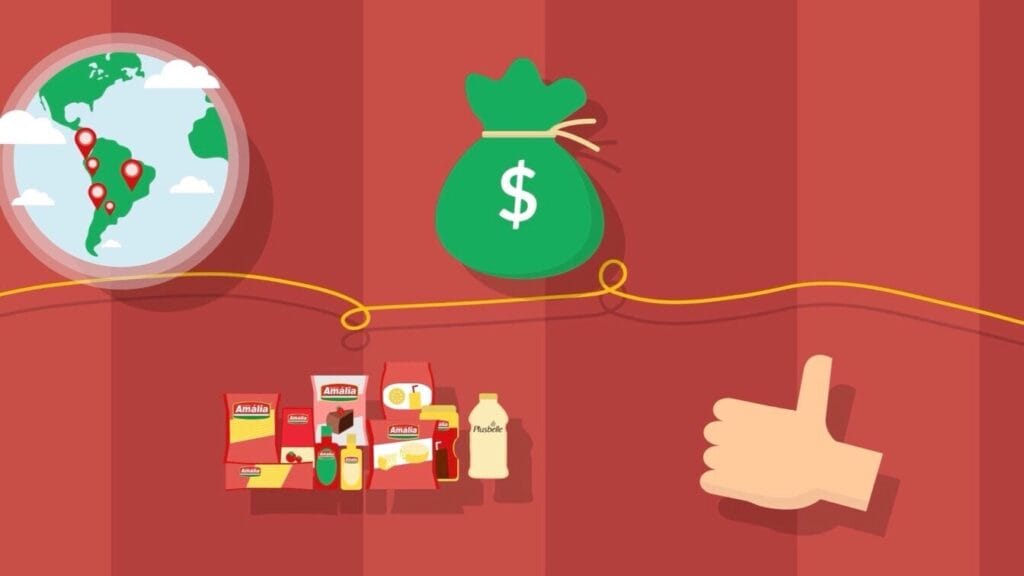
1. Motion graphics
Motion graphics It's the animation of shapes, icons, graphics, text, and simple illustrations. It's the most common style in corporate videos because it organizes information clearly and adapts to any visual identity.
When to use: Explanatory videos, service presentations, data and reports, vignettes, and graphic packages.
Example: a Objective Motion graphics were used to present software development services to the market. The script translated technical processes into the client's language, and the animation organized the flow of information.
For data, see motion graphics for complex data; for technical products, How to explain B2B products using animation..
2. Original 2D illustration
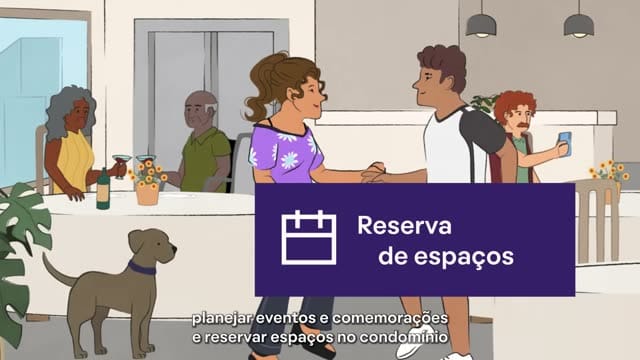
Instead of pre-made icons, each scene is designed specifically for the project, using the brand's colors and design elements. The result has more personality and is harder to confuse with other videos.
When to use: Brands with strong visual identities, videos for families and broad audiences, app presentations.
Example: to explain the arrival and departure routine for students at the new unit, the Colégio Bernoulli It received illustrations created for the project. The app Nok Nox, from QuintoAndar, also used its own illustrations within the brand identity.
3. Characters with lip sync
Animated characters drive the video and speak, their mouths synchronized with the narration. The character creates a relationship with the viewer and may return in several videos within a series.
When to use: Internal training, system presentations for teams, content for children and families.
Example: a Vaccinar It presented its internal application with characters created for the brand. Santa Amália, In this video, a guide character leads five training videos, along with recordings of the app's screens.
We show more examples in Characters in animated videos.
4. Whiteboard
The animation mimics a drawing being made on a whiteboard, with ideas appearing in the order of reasoning. It helps the audience follow an explanation as it unfolds.
When to use: Technical topics for a non-specialist audience, public policies, concepts in sequence.
Example: for FGV CEIPE and Petrobras, the animation about early childhood It explains why investing in public policies for young children is important, using language accessible to those outside the field.
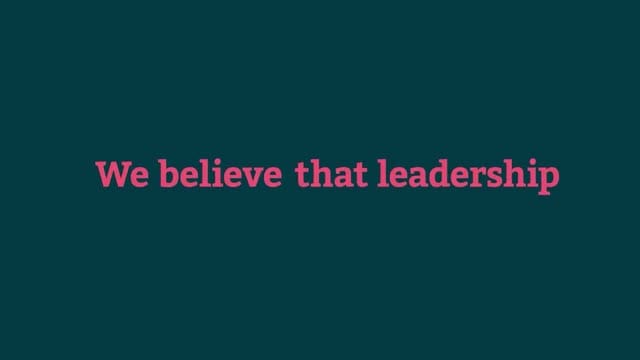
5. Animated typography (all type)
The text is the primary visual element: words and numbers enter, grow, and move in rhythm with the soundtrack. It doesn't rely on images or illustrations.
When to use: Strong numbers, impactful phrases, videos for social media, event openings, and brand launches.
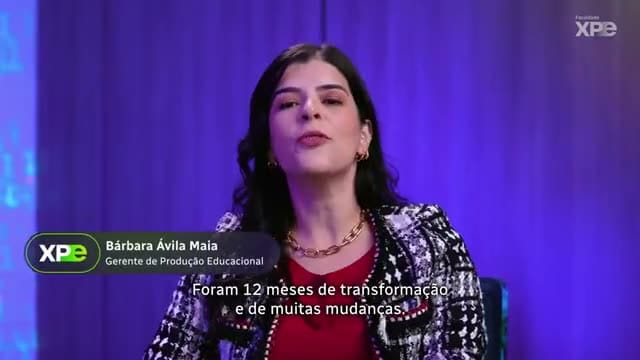
Example: a XPE College He presented his proposal using only numbers and phrases. Launch of the new brand for the Rede Batista., The kinetic typography led the audience to the revelation of the identity.
6. 3D Animation
Objects, machines, environments, and characters are modeled in three dimensions. This allows you to see the inside of a piece of equipment, rotate a product, or walk through a factory without recording.
When to use: Products and machinery, industrial plants, safety training, digital presenters.
Example: a Clariant A 3D representation of the plant was used to illustrate the safety rules in the context of the factory. Construtora Barbosa Mello He created 3D digital presenters, with movements captured from real people, for safety training on construction sites.
7. Mixed format: animation over live-action footage
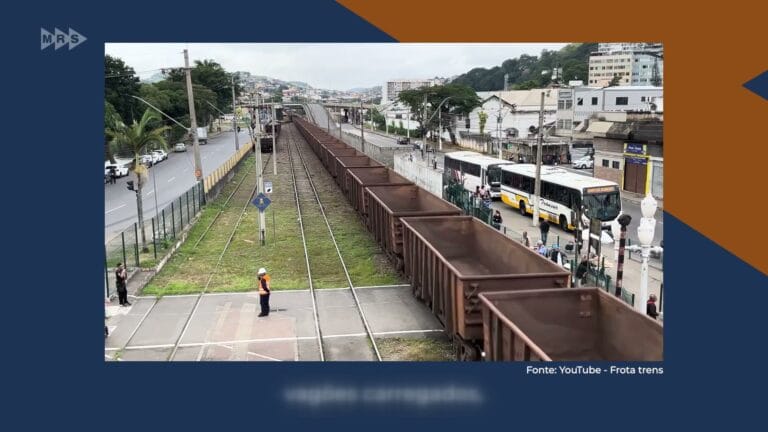
Animation combined with live-action footage, stock images, or screen recordings. The live image lends credibility, and the animation explains what the image doesn't show.
When to use: Software, industrial processes, technology, technical videos for a specialist audience.
Example: in the videos of OPTA Group, Real images of the plants are mixed with animations of the interior of the furnaces. ToLife It combined software screens, stock images, and graphic interventions.
8. Lyric video
The lyrics of a song appear animated on the screen, in time with the song. This is common in campaigns, jingles, and children's content.
Example: for the Bene Group, from the Instituto Hexis and the Rede Batista, the lyric videos They accompany the educational songs with vibrant colors and the lyrics always in the center of the screen.
How to choose the type of animation
Three questions resolve most choices:
- What needs to appear? A process or piece of data requires motion graphics; an object or space, 3D; a software program, screen recording with animation.
- Who will watch it? Experts urge accuracy; families and internal teams readily accept illustrations and characters.
- How much will the video change? Content that changes frequently calls for simple, easy-to-update styles, such as motion graphics and typography.
| If the video needs… | Consider |
|---|---|
| to explain a service or process | motion graphics |
| show a software | mixed with screens |
| show a machine or factory | 3D or a mix with real images. |
| train an internal team | characters or motion graphics |
| talking to families and children | 2D illustration or characters |
| to open an event or launch a brand | animated typography or motion graphics |
| have versions in multiple languages | Motion graphics without text in the illustrations. |
Watch 12 videos with these styles at Examples of animated videos for businesses.
What is the production process like for an animation?
The process is similar for all styles. What changes is the time required for each step.
| Step | What happens | Who approves? |
|---|---|---|
| Script | Text of the narration and description of what appears in each scene. | customer |
| Voiceover | voice recording, which sets the rhythm of the animation. | customer |
| Storyboard | Simple drawing of each scene, in script order. | customer |
| Style paintings | two or three finished scenes, for approval of colors, line art, and typography. | customer |
| Animation | Movement of all scenes, synchronized with the narration. | production company |
| Soundtrack and effects | music and sounds that mark the transitions | production company |
| Review | combined adjustment rounds in the budget | customer |
Script, storyboard, and style board approvals prevent the most expensive adjustment: changing the visuals after everything has already been animated. See how to organize the approval.
What to include in an animation briefing
- The purpose of the video and who will watch it;
- Where it will be presented: website, event, social media, training platform;
- the desired duration and languages;
- The company's visual identity: logo, colors, fonts, and existing illustrations;
- Technical materials, such as system screens, equipment photos, or plant drawings;
- References to animations you like, and those you don't.
We have a video briefing template which serves as a starting point, and a guide about animated graphics package.
Animation or recording?
Animation shows what the camera can't capture, is easier to update and translate, and isn't dependent on schedules, locations, or weather. Live footage shows real people, places, and emotions, and generates more trust when the evidence is human.
Many of the best videos combine both. We explain this choice in... when to use motion graphics.
How much does each type of animation cost?
An animated video of up to two minutes generally ranges from R$ 6,000 to R$ 15,000. Animated typography and motion graphics with simple elements are placed at the bottom of the price range.
Original illustration, lip-synced characters, and 3D effects are placed on top of or above the illustration because each scene requires more drawing and animation. In video packages, the style created for the first video is reused in subsequent ones. See How much does a video cost?.
Frequently Asked Questions
What is the difference between motion graphics and 2D animation?
Motion graphics animate shapes, text, icons, and graphics. 2D animation with illustration and characters uses drawn scenes and characters that move and act. In practice, many videos mix the two.
What's the cheapest type of animation?
Animated typography and motion graphics with simple elements. Original illustration, characters, and 3D require more creation time.
Is 3D animation worthwhile for corporate video?
This is useful when the video needs to show an object, a machine, or a space that is difficult to film properly, such as the interior of a piece of equipment or an entire industrial plant.
How long does it take to produce an animation?
Three to five weeks for a short motion graphics video. Original illustration, characters, and 3D require more time, depending on the number of scenes.
Can AI be used in animation?
It's partly done: voices, visual sketches, and some production stages. The construction company Barbosa Mello, for example, used AI-generated voices for the 3D presenters. Scriptwriting, art direction, and revisions remain with the team.
The style goes beyond what needs to be shown.
No type of animation is better than the others. Motion graphics organizes information, illustration adds personality, characters bring people closer, 3D shows what can't be filmed, and the mixed format combines credibility and explanation.
If you have an animated video in mind and don't know which style to use, Tell me what you need. and we suggest the format.
Published on September 28, 2026 · updated on September 29, 2026

Samuel Silva is the co-founder and Creative Director of Silvertake Vídeo, a video production company in Belo Horizonte. He leads a team that combines creativity and technology, delivering over 7,000 videos for more than 100 companies. A graduate in Advertising from PUC Minas, Samuel specializes in marketing, creative automation, and audiovisual production.