
Tutorial video production company

Tutorial videos that teach on the first watch.

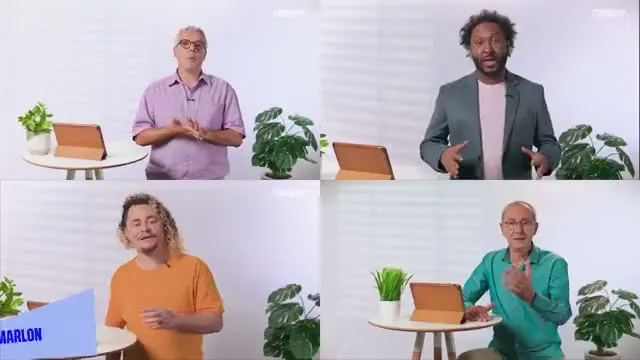
Step-by-step guides, onboarding and help center videos. Screen, host and motion graphics with the same look across the whole series.

More than 10,000 videos delivered for brands like

how the series works

One shoot day, a whole program explained.

Each video answers a partner question: how to refer clients, how to get paid commissions, what to do when a sign-up is not approved.

partner programCora case study See the case study
  • 1shoot day in the studio
  • 12tutorial videos for the Coraliados program
  • 2weeks ahead of the delivery deadline

what it is for

Fewer questions, more people using the product.

Fewer support tickets

The question your support team hears most becomes a short video, ready to send in the chat or post in the help center.


Onboarding without meetings

New customers learn the system at their own pace, with the same step-by-step guide for everyone, at any time.

Features that catch on

Every new feature ships with a video showing where to click and what it is for, right at launch.

how we do it

From script to help center.

Script

The step-by-step comes from the product.

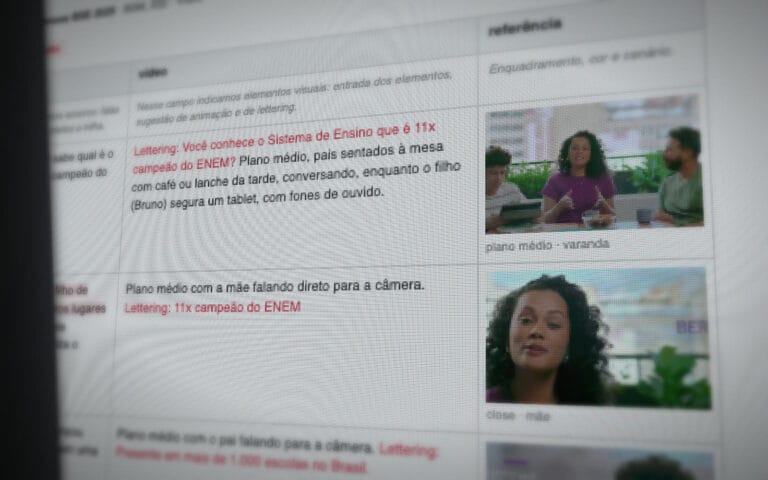
We walk through the system with your team, list the questions support hears most and write one script per task, with every click noted.
  • Map of user tasks
  • Script with every click
  • Approval before the shoot
Script with visual references on screen

Recording

Screen and host with the same look.

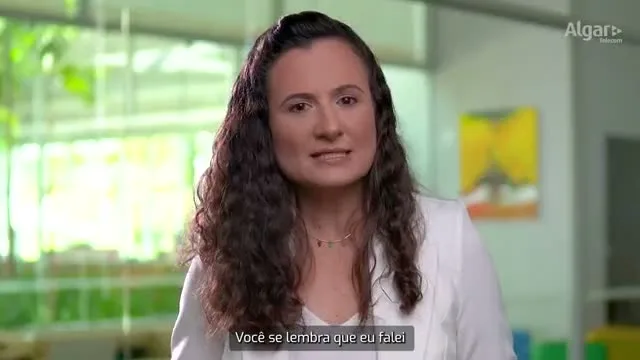
We record the screen in high resolution, with demo data instead of real data, and the host at our studio in Belo Horizonte or in São Paulo, with a teleprompter and direction.
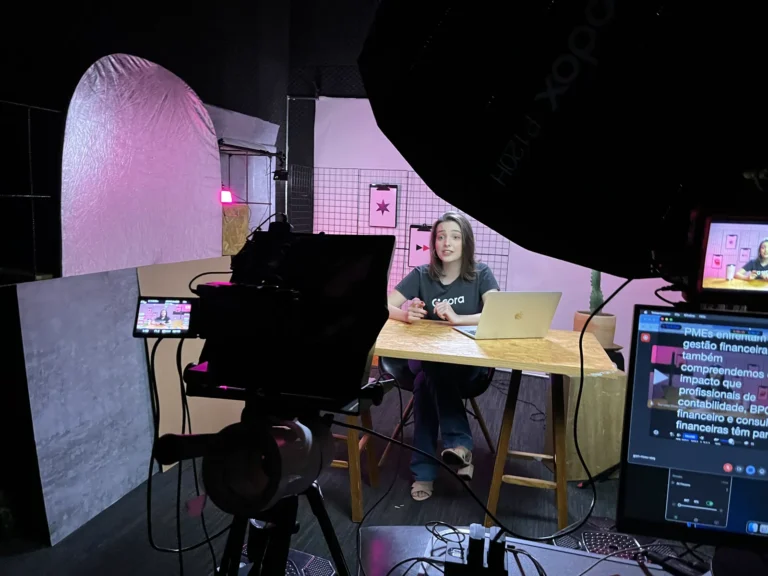
  • High-resolution screen recording
  • Host with a teleprompter
  • Demo data instead of real data
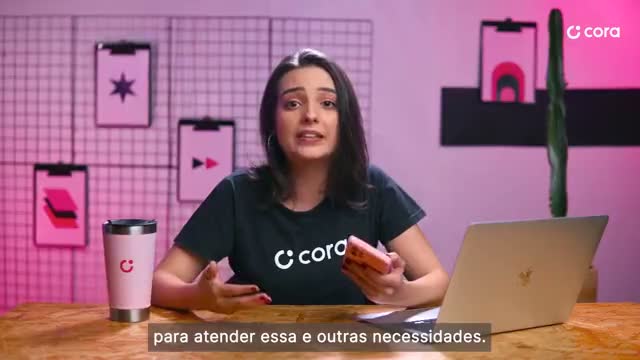
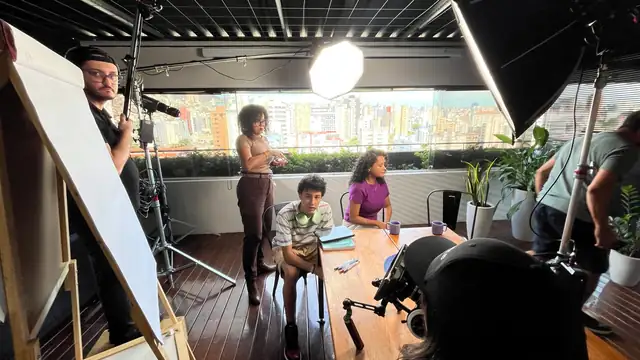
Behind the scenes of the Cora tutorials shoot, with the host at the desk and the teleprompter next to the camera

Editing

Zoom and highlights where the eye needs to go.

In editing we add zoom on each click, arrows, highlights and motion graphics to explain what the screen alone does not show. The whole series gets the same intro, captions and music.

  • Zoom and highlights on every click
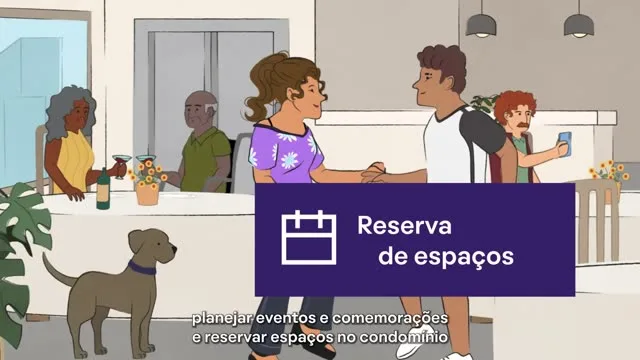
  • Motion graphics to explain the concept
  • Same intro across the series

Approval and delivery

Feedback on the exact second of the video.

Every version is delivered in RecReview, Silvertake's client portal. Your product team checks each step on the exact moment of the video and approves it before publishing.
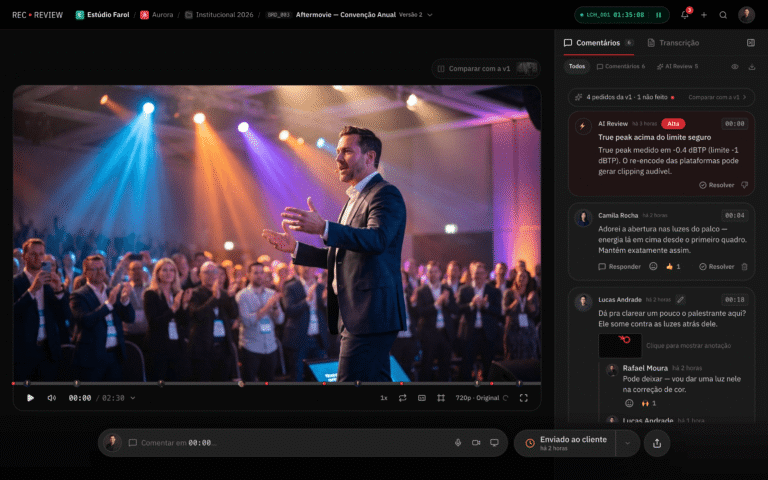
  • Comments on the exact moment
  • Version comparison
  • Files with captions and thumbnails
RecReview comments screen

Testimonials

What companies that work with us say.

The team is open to listening and discussing new ideas. From attention to detail in the scenario to final delivery, we are clear about the progress of all stages.
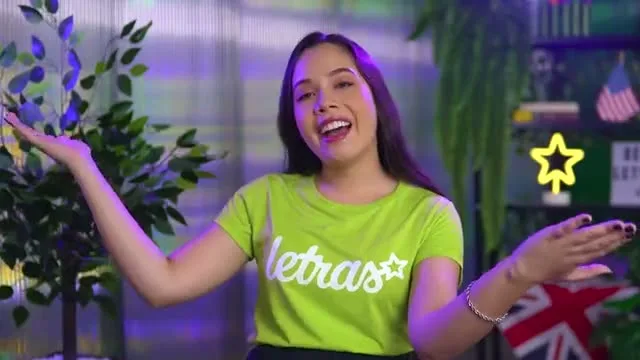
Rosi Benini, Letras.mus.br Rosi BeniniContent, Letras.mus.br
Working in partnership has resulted in a smoother work process and faster delivery. An essential partner for high-quality delivery.
Cynthia Gomes, Bernoulli Cynthia GomesMarketing, Bernoulli
From pre-production to editing, Silvertake works with great care. It is a pleasure to be with those who care about always delivering a good product.
Caroline Almeida, XP Educação Caroline AlmeidaCommunications, XP Educação
Dynamism and management are essential for a video production company and Silvertake delivers this, making the process a quality show.
Claudinei Franzini, Rede Batista de Educação Claudinei FranziniDirector, Rede Batista de Educação

comparison

What changes with Silvertake.

Production company
(traditional)
Silvertake
Freelance videomaker
In-house team
Script
You bring it ready
One script per task, with every click
You decide
Whoever has time
Recording
One video at a time
High-resolution screen and host in the studio
One person, one camera
Laptop screen recorder
Consistency
Changes with every project
Same intro, captions and music across the series
Depends on who edits
Every video looks different
Frequency
One-off project
Series set in the proposal
Depends on their schedule
Competes with everything else for priority
Approval
Email with attachments
On the exact moment of the video, in RecReview
Over WhatsApp
Internal meetings
Request a quote Proposal within 24 hours.

FAQ

Frequently asked questions.

What is included in tutorial video production?
One script per task, screen and host recording, editing with zoom, highlights and motion graphics, captions, a series intro and organized delivery in RecReview. We shoot at our studio in Belo Horizonte or São Paulo, or at your company.
How long should a tutorial video be?
One task per video. Most product tutorials work best between 1 and 3 minutes. When the process is long, we split it into shorter videos, one per step, so users can find just the part they need.
Do you record our system's screen?
Yes. We record the screen in high resolution, with a clean cursor and demo data instead of real data. If the system requires a login or a test environment, we arrange access with your team before the shoot.
Do we need a host, or can it be screen only?
Both work. Screen only with a voice-over is enough for a quick step-by-step. A host on camera gives the brand a face and works well for onboarding and long series. It can be someone from your team or a professional host.
Do you help with the script?
Yes. We walk through the system with your team, gather the questions support hears most and write one script per task, with every click noted. The script is approved before the shoot.
How many tutorials come out of one shoot day?
It depends on the length of the scripts. We shoot in a batch: for Cora, all 12 partner program videos came out of a single shoot day. The number of videos is set in the proposal.
How much does tutorial video production cost?
It depends on the number of videos, whether there is a host and where the shoot takes place. After a 15-minute briefing, you get a proposal with scope and timelines within 24 hours.
How do reviews and delivery work?
Every version is delivered in RecReview, Silvertake's client portal. Your team comments on the exact moment of the video, compares versions and downloads the final files. The number of revision rounds is set in the proposal.
Do you shoot outside Belo Horizonte and São Paulo?
Yes. We have our own studios in Belo Horizonte and in São Paulo, and our crew also shoots at your company or on location, anywhere in Brazil.
What is the difference between a tutorial video, a training video and an online course video lesson?
A tutorial teaches customers and users how to use a product or system, one task per video. A training video trains your internal team on processes and culture, and an online course video lesson organizes a full course into modules.
How do you keep tutorials up to date when the system changes?
Since each video covers one task, when a screen changes we can redo just the affected video without touching the rest of the series. The update keeps the same intro, captions and music as the other videos.
Can the tutorial be animated, with no filming?
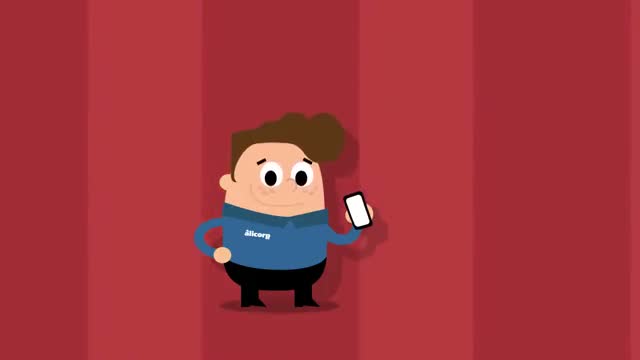
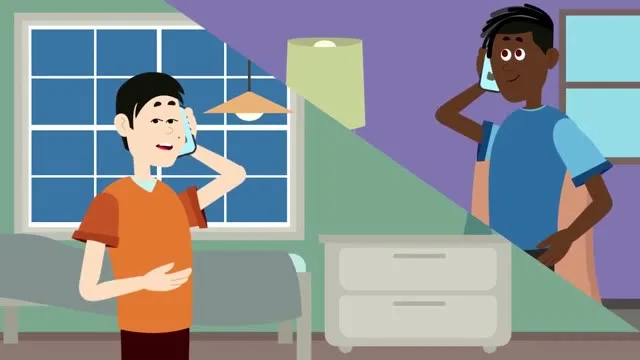
Yes. When the interface is not ready yet or the concept is abstract, we use animation and motion graphics, as in the Agile Promoter app videos for Santa Amália.
Where should tutorial videos be published?
In the help center, inside the system itself, on YouTube, on your course platform or in the support chat. We deliver the files organized in RecReview, ready to upload wherever your team needs them.

Let's talk

Want tutorials for your product? Let's talk.

15-minute briefing and proposal within 24 hours.

SamuelRafaelLaurene Speak directly with Samuel and the team.