in this article
- Why plan the entire year for distance learning?
- Step by step
- How to calculate how many recording days you need
- Expert checklist for the day of filming.
- Examples of e-learning and training projects
- Example of a schedule for a 20-lesson course.
- How much does it cost
- Common mistakes
- Frequently Asked Questions
- Close the experts' schedules first.
Training videos and courses are the type of production that benefits most from annual planning, because they depend on the schedules of specialists, studios, and a visual standard that applies to dozens of lessons. This guide shows you how to plan your e-learning and training programs for 2027.
It is useful for corporate universities, HR and development departments, educational institutions, and companies that sell courses. Examples include projects that Silvertake has produced, ranging from onboarding tracks to over 600 postgraduate courses.
Quick summary:
- Gather all the requirements for the year before recording: courses, learning paths, onboarding, guidelines, and updates.
- The format of each piece of content determines the cost. Lectures, system screens, animations, and microlearning have different production costs.
- The bottleneck is the experts' agenda. Close recording dates early and group them by day.
- Approve the visual standard before the first day of recording; changing it afterwards is expensive.
- Plan for updates: technical and standards content becomes outdated quickly.
Why plan the entire year for distance learning?
A course recorded independently covers all the costs of infrastructure: set design, visual identity, studio setup. When several courses throughout the year are planned together, this infrastructure is created only once and then divided among all of them.
Planning also solves the biggest problem in corporate e-learning: the schedules of those who teach. Internal experts and guest professors have few available slots, and each rescheduling delays the entire course.
Step by step
1. Raise the demand for 2027
Gather with the relevant departments what needs to be turned into videos this year:
- New courses from the corporate university or from the institution's portfolio;
- Onboarding paths for new employees and interns;
- Mandatory training, such as regulatory standards, safety, and compliance;
- Systems and process training;
- Updating existing courses.
2. Prioritize by audience and impact.
Start with what reaches the most people or prevents the most problems. An onboarding program that every new employee attends comes before a training course for twenty people.
Repeated weekly in-person training sessions are good candidates: video gives back hours of the team's time. MILPLAN Engenharia He transformed the onboarding presentations into ten videos precisely to save time for the presenters.
3. Choose the format for each piece of content.
| Format | It works for | Production |
|---|---|---|
| Lecture-based studio session (masterclass) | long courses, postgraduate studies, specialists | studio, teleprompter, graphics package |
| Screen recording with narration | systems and tools training | screenshot, voiceover, animated highlights |
| Animation and motion graphics | processes, standards, safety, concepts | script, animation, voice-over |
| Microlearning | Teams that learn during work breaks. | many short videos, recorded in batches |
| Practice recorded on location | operational procedures, use of equipment | recording of the operation, two cameras |
| AI Avatar | Content that changes frequently, multiple languages | script, generation, revision |
We compared real video and avatar in Distance learning with live video or AI avatar.
4. Prepare the content with the experts.
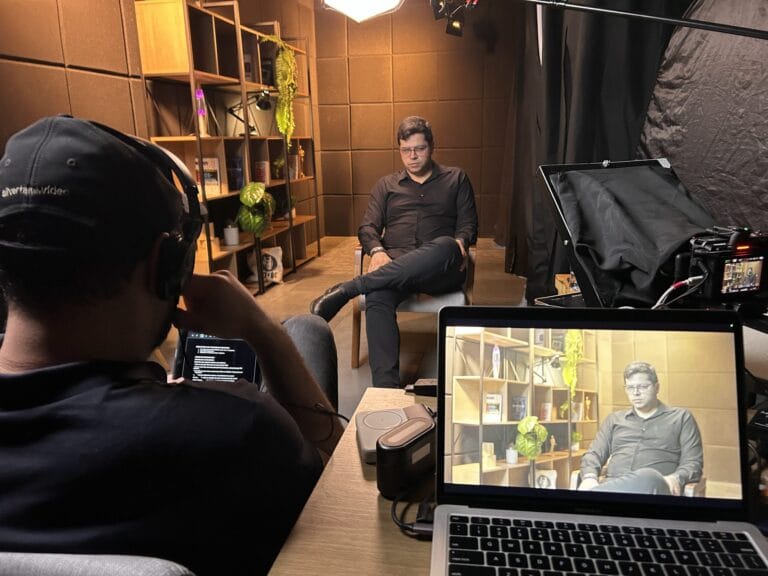
The expert knows the subject matter, but rarely writes for video. The script needs to be broken down into short blocks, with a clear beginning and end, that fit on the teleprompter and hold the viewer's attention.
Define a lesson plan template for all classes and review it before recording. See How to transform PDF and PowerPoint presentations into video lessons. and how to drive specialists.
5. Create a daily recording schedule.
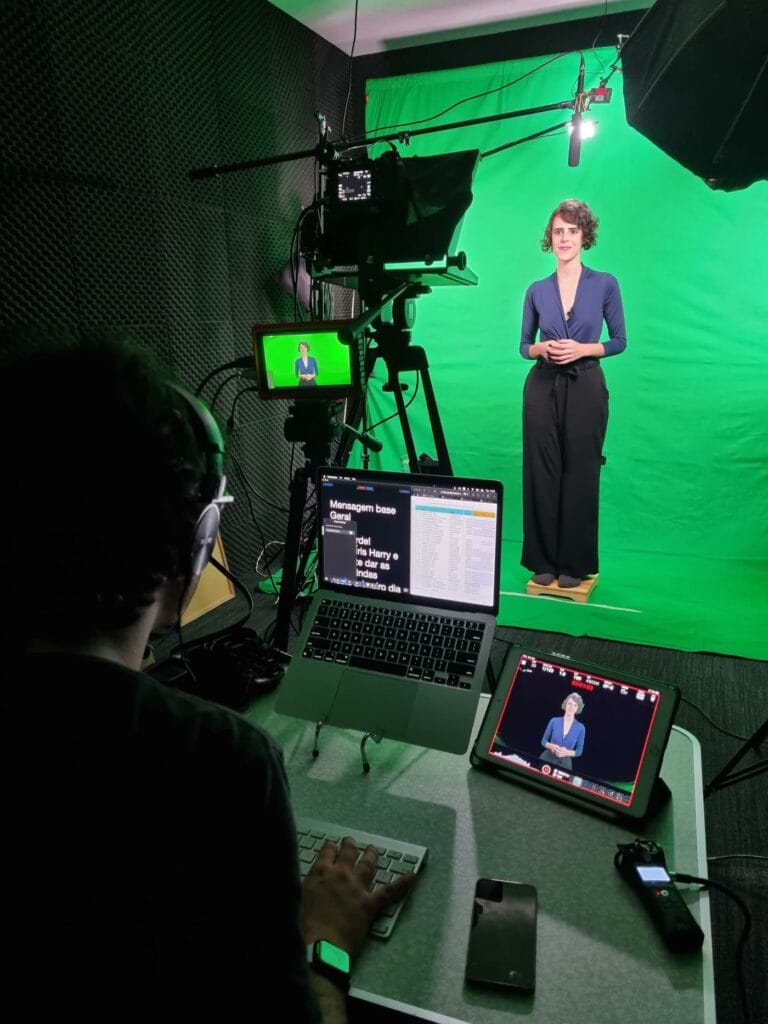
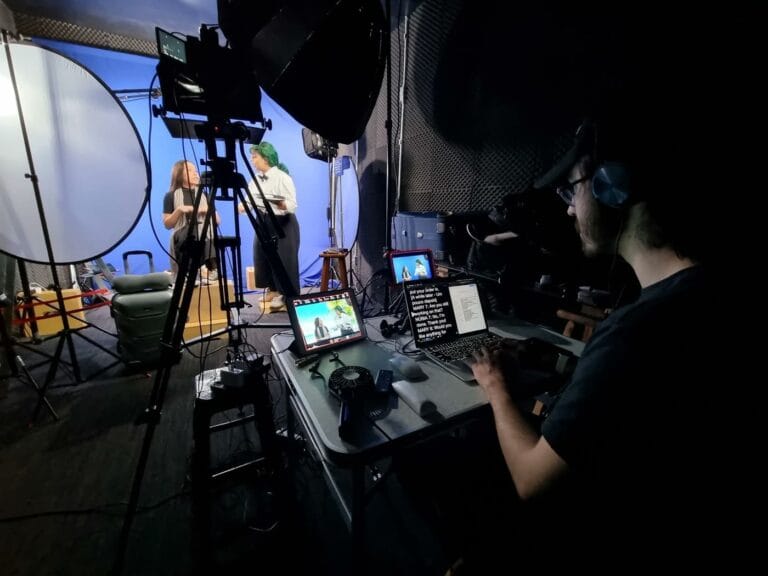
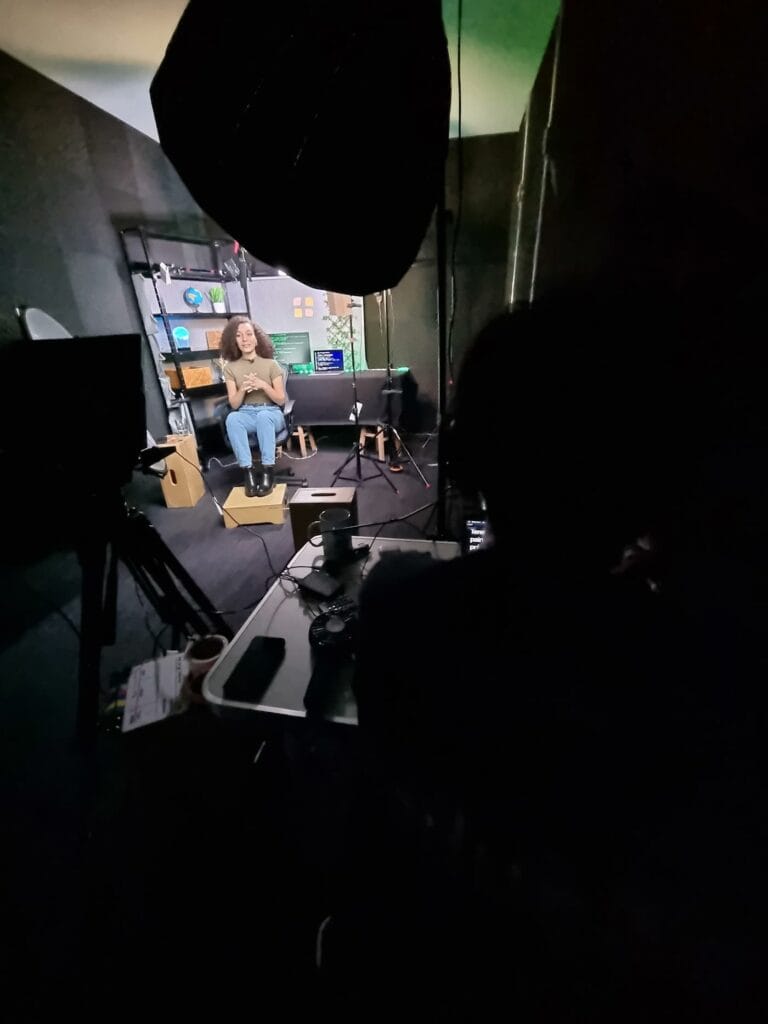
Each studio session should have a plan: order of classes, time for each block, and planned inserts. In the courses of FDC Signature, With this plan and teleprompter, there were days with more than 20 videos recorded.
When the instructors are in different cities, it's possible to record in more than one location. The same courses were recorded in São Paulo, Belo Horizonte, and Brasília, according to each instructor's schedule.
6. Approve the visual standard before recording.
Scenery, vignettes, title cards, lower thirds, and transitions must be approved before the first day. Compass trail, by MRS Logística, The video branding and studio set design were validated before recording, and the entire soundtrack was recorded at the Belo Horizonte studio.
In the Faculdade Cásper Líbero, The animated graphics package was created along with the set design to standardize hundreds of video lessons.
7. Organize post-production and revision.
With dozens of lessons, review becomes the bottleneck. Define who approves each course, in how many days, and where comments are made. A review platform with comments in real time avoids emails with lists of adjustments; see [link/review]. the platform we use.
8. Plan the publication and updates.
Coordinate with the person in charge of the learning platform regarding file formats, captions, and names. For each course, make a note of what might become outdated: rules, system screens, numbers. These excerpts can be kept on easily interchangeable cards.
How to calculate how many recording days you need
The calculation begins with the total completed class time for the year. With a script on the teleprompter and a daily plan, a prepared specialist is much more productive than one who is unprepared: in FDC Signature courses, there were days with more than 20 recorded videos.
Ask the production company for a daily revenue estimate for your format and use that number in your calculations.
Several factors reduce this yield:
- experts without camera experience, who ask for more takes;
- A change of teacher in the middle of the day, with new makeup and lighting adjustments;
- Practical demonstrations, which require more angles;
- Itineraries that arrive on the day, without review.
With the total number of class hours for 2027 and this income, it's possible to estimate the daily rates for the year and book the studio in advance.
Expert checklist for the day of filming.
- The script was revised and sent in advance to the teleprompter;
- Clothing without thin stripes or small prints, with one exchange;
- Supporting materials (images, graphics, screenshots) submitted beforehand for editing;
- Arrive with enough time for makeup and voice test;
- Combined breaks between each block, with water at hand.
See also How to record video lessons at scale. and Costume tips for videos.
Examples of e-learning and training projects
Postgraduate studies on a large scale. For the Education and the Fundação Dom Cabral, The production expanded from 600 masterclass-style lessons across more than 40 courses. The work was divided into in-person recordings, content management, and large-scale post-production.
Microlearning in English. For Thoughtworks, with CoolHow, it was over 90 short videos Recorded in two takes in the studio, with direction, set design and motion graphics.
Safety onboarding. The Clariant At the factory entrance, a video is displayed that combines motion graphics with a 3D representation of the plant, so that the rules appear in the real-world context of the location.
Technical experts. For Cobrape and the Government of Minas Gerais, 40 videos They present the state sanitation plan with experts from Cobrape itself.
Technical course with practical application. The Pruftechnik shaft alignment course, The two-hour demonstration separated theoretical and practical videos and used two cameras, one dedicated to the practical part.
Regular presenter. At MILPLAN, onboarding videos were recorded with a professional actress. Because the material is corporate and timeless, this choice avoided having to remake the videos when a presenting employee left the company.
Example of a schedule for a 20-lesson course.
| Week | Step |
|---|---|
| 1 and 2 | briefing, course structure, script template, visual standard |
| 3 to 5 | Lesson plans with the specialist; approval of the scenario and graphics package. |
| 6 | Recording in one or two studio days. |
| 7 to 9 | editing, inserts, cards and captions |
| 10 and 11 | Review by the specialist and adjustments |
| 12 | Delivery of files and publication on the platform |
With several courses throughout the year, the stages overlap: while one course is being edited, the next is being scripted.
How much does it cost
An online course consisting of 10 to 30 lessons of 10 to 30 minutes each, recorded over 1 to 4 days, costs between R$ 15,000 and R$ 60,000.
Programs with hundreds of lessons and more than 30 hours of content exceed R$ 140 thousand. The cost per lesson drops when many lessons are recorded daily and the visual standard is reused.
An animated onboarding or standards video typically costs between 6,000 and 15,000 RTP4T, as is typical for an animated video of up to 2 minutes. See [link/reference]. How much does a video cost? and the video budget for 2027.
Common mistakes
Record the PowerPoint presentation. Having an expert read slides for 50 minutes is the quickest way to lose a student. Break it down into short blocks and show only what the slide describes.
Change the visual pattern in the middle. Changing the setting or intro after recording half the course forces you to redo the other half or leaves the course with two faces.
Don't set aside time for revision. Experts revise slowly. Without a set deadline, the edition is ready and the course is put on hold.
Forget about subtitles and accessibility. In corporate training, subtitles help those watching without sound. Sign language may be required in public programs; see [link/reference]. Brazilian Sign Language in Videos.
Frequently Asked Questions
How long does it take to produce an online course?
A course of approximately 20 lessons takes two to three months, from briefing to publication. The stage that varies the most is the review by specialists.
How many classes can you record per day?
It depends on the duration and preparation. With a ready-made script, teleprompter, and daily plan, it's possible to record more than 20 short videos in a single studio day.
Is it better to record at the company or in a studio?
For lectures, the studio yields more per day and provides a consistent visual standard. Practical procedures and operations require on-site recording.
Is it okay to use an AI avatar instead of a teacher?
For content that changes frequently or requires multiple languages, this might be worthwhile. For courses where the instructor's authority matters, an actual recording works better.
Is it worthwhile to have your own studio for distance learning?
Only with high and continuous volume. For most companies, booking days in a professional studio is cheaper than setting up and maintaining an in-house studio. We compared in In-house distance learning or with a production company..
How do I keep my courses up-to-date?
Separate the outdated information (standards, screens, numbers) into easy-to-change cards or pads, and review the courses once a year.
Close the experts' schedules first.
With the demand raised, the formats chosen, and the recording dates set, the 2027 courses are being released at a predictable pace. The visual standard approved at the beginning ensures everything looks the same, from the first to the last course.
If you are planning your e-learning or training programs for 2027, Send the list of courses. And we'll put together the production schedule with you.
Published on October 7, 2026

Samuel Silva is the co-founder and Creative Director of Silvertake Vídeo, a video production company in Belo Horizonte. He leads a team that combines creativity and technology, delivering over 7,000 videos for more than 100 companies. A graduate in Advertising from PUC Minas, Samuel specializes in marketing, creative automation, and audiovisual production.