
in this article
A 300-word script seems harmless on paper. In the editing room, that same text becomes a two-minute rush or a hurried voice-over that no one can follow.
One speech time calculator It serves to predict the final timing and ensure space for the message to breathe between cuts, graphics, and pauses.
Words per minute in corporate audiovisual media
The standard metric for speech in Portuguese is words per minute (WPM). At a casual conversational pace, reading aloud reaches between 130 and 140 words per minute.
Corporate videos require a different dynamic. The narrator needs to highlight technical terms, punctuate silences, and give the audience time to read information on the screen.
Ignoring this account during the text writing stage leads to abrupt cuts and rushed narration. Knowing how many words fit in 1 minute of voice-over It avoids rework in post-production.
Reference table: rhythm by video format
The speed varies depending on the content format. Brand manifestos call for a slower pace, while sales videos or product demonstrations require speed without sacrificing clarity.
These are the average parameters we use to calibrate corporate scripts before recording:
| Video format | Verbal rhythm | Words per minute (WPM) | Ceiling for 60 seconds |
|---|---|---|---|
| Manifesto/Corporate Video | Paused and reflective | 110 to 125 PPM | 120 words |
| Explanatory motion / Tech | Moderate and didactic | 125 to 140 PPM | 135 words |
| Sales video / Short pitch | Agile and persuasive | 140 to 155 PPM | 150 words |
| E-learning / Internal training | Didactic and clear. | 120 to 135 PPM | 130 words |
The calculation is straightforward: divide the total word count of the text by the format's WPM (words per minute). If the script has 260 words for a 130 WPM explainer video, the continuous speech will take exactly two minutes.
The most common mistake: disregarding visual time.
Calculating only spoken audio often shortens screen time. A video needs free seconds for scene cuts, data animations, vignettes, and breathers at the end.
For a video with a 60-second limit on paid media, the voiceover cannot occupy the entire minute. The spoken audio should be between 45 and 48 seconds.
The remaining space supports the visual narrative, displaying software screens, numbers, or sound transitions. To understand the division of these layers, consult the guide on... How to calculate video script time..
Checklist for pacing the script in a script.
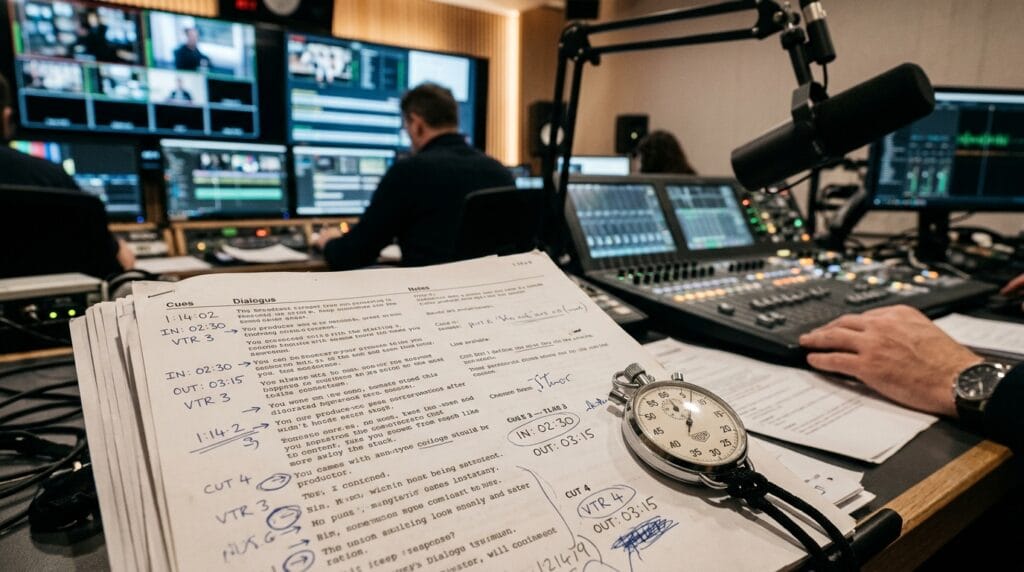
Before approving the final version for voice recording or studio reading, validate the following points:
- Clean word count: Exclude headings, visual descriptions, and counter direction notes from the document. Count only the dialogue.
- Marking breaks: Point out in the text where moments of silence occur for transitions between topics or motion graphics. Allow 2 to 3 seconds per interval.
- Timed reading aloud: Reading silently alone distorts the test, since articulate speech consumes about 30% more time.
- Cutting out excesses: When the running time exceeds the limit in 10%, cut out adjectives and repetitions instead of speeding up the speaker.
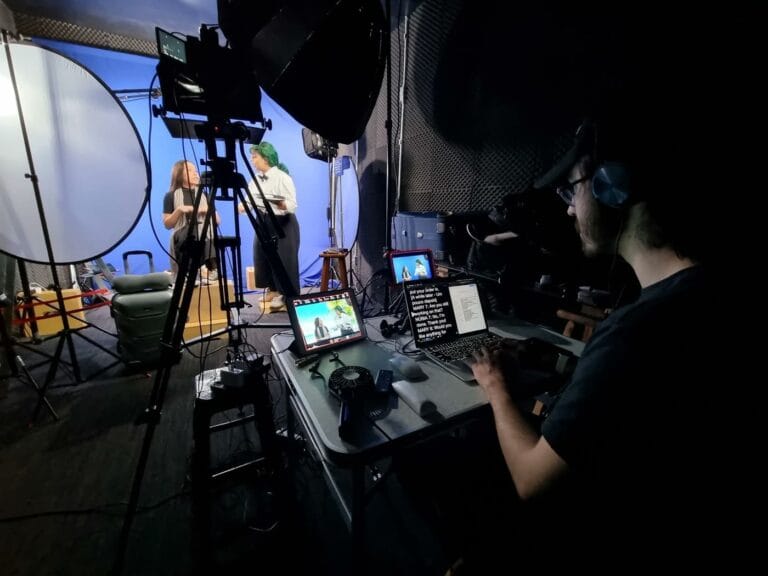
Adjusting this rhythm provides confidence for spokespeople in front of the camera. A well-calibrated cadence prevents harsh readings, a feature we detail when explaining... How to use a teleprompter in corporate video. naturally.
Rhythm in practice: two real-life examples
The balance between text and screen time defines the fluidity of the material. In the production of Marsh corporate manifesto video For the company's 70th anniversary in Brazil, the roadmap needed to demonstrate solidity.
The metric was 115 words per minute. This cadence allowed the narration to build in time with the soundtrack, enhancing each message conveyed.
Technical projects require a different calibration. In animations in motion graphics produced for the Objective, The goal was to explain systems and artificial intelligence to technology leaders.
The script adopted a 135 words per minute timeframe. This allows the dialogue blocks to coincide with the introduction of graphs and diagrams, without overloading the screen.
Adjusting the timing in pre-production protects the budget.
Cutting out excess text on paper takes only a few minutes of revision. However, correcting a long text in the editing suite generates studio rework, synchronization adjustments in animations, and unforeseen costs.
Both in one corporate video production In technical demonstrations, carefully choosing words with mathematical precision ensures technical predictability in the final delivery.
If you have a script to validate or want to produce corporate videos with end-to-end technical control, talk to us on our website. contact page.
Published on October 9, 2026

Samuel Silva is the co-founder and Creative Director of Silvertake Vídeo, a video production company in Belo Horizonte. He leads a team that combines creativity and technology, delivering over 7,000 videos for more than 100 companies. A graduate in Advertising from PUC Minas, Samuel specializes in marketing, creative automation, and audiovisual production.