in this article
The CEO stumbles over “infrastructure” right at the most important point in the video. The editor resolves it with a hard cut, and his head pops to the side: hide it. speech impediments That way you're just replacing one mistake with another.
Almost every speech impediment disappears without anyone noticing. To achieve this, the editing process needs to treat image and audio separately, and the set needs to have provided material suitable for this work. Below is a step-by-step technical guide, from the set to the editing room.
Why a sharp cut reveals the mistake.
The eye perceives discontinuity before the ear. When you take half a second off of speech in a fixed shot, the position of the head, hands, and expression change from one frame to the next. It's the famous jump cut.
On creator channels, this has become common language. In video lessons, institutional videos, or executive testimonials, the message is different: someone made a mistake and the production team patched it up. The audience can't name the problem, but they feel the speech was choppy.
The audio also gives it away. A cut in the wrong place leaves a popping sound, a swallowed breath, or a sudden change in the room noise. Most edits betray themselves through this sonic patching.
What needs to be removed from the set for the editing to work?
The solution begins before the recording is made on the island. If the recording left no options, the editor will choose between a jump cut and an error.
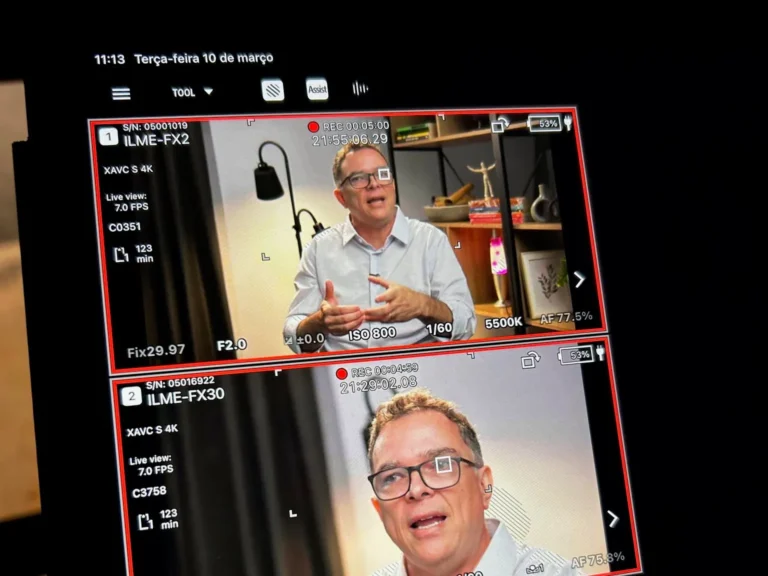
Two cameras on the speaker.
A second angle is the cheapest tool for disguising a seam, even if it's just a closer shot in the same direction. You cut from the wide shot to the close-up exactly where you removed the bump, and the cut looks like a stylistic choice.
Repeat the entire phrase, never just the word.
If the expert makes a mistake, ask them to go back to the beginning of the sentence. A word recorded in isolation arrives with a different intonation, a different energy, and a different breathing rhythm. In the middle of the sentence, this correction becomes an audible step.
Room tone and cover images
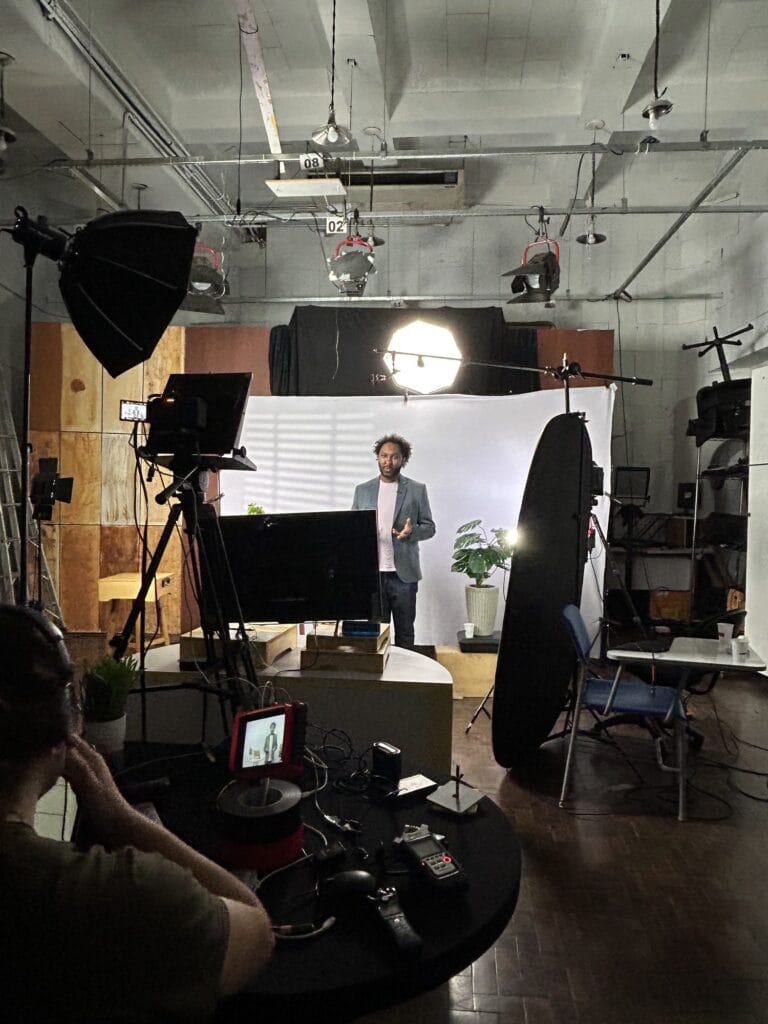
Record a few seconds of silence in the room, with everyone standing still. This ambient noise will fill in gaps in the audio later.
Also record B-roll footage designed to cover the speech: screens, hands, operation, and environmental details. If the text runs on a teleprompter, adjusting the speed avoids many stumbles, as we showed in [reference to previous example]. how to record with a teleprompter without a fixed stare.
Noting which take has the clean phrase saves hours on the island, and the checklist for organizing shooting takes That helps.
Editing techniques to hide speech impediments.
1. Separate audio and video using J-cut and L-cut.
The most useful rule on the island: the dialogue doesn't need to be glued to the image of the speaker. First, assemble the clean audio, splicing takes as needed. Then decide what the audience sees on top of each edit.
In a J-cut, the sound of the next segment comes before the image. In an L-cut, the image continues while the speech has already changed. The two separate the image cut from the audio cut, and the brain stops connecting one to the other.
2. Cover the patch with another plan.
Where there was a correction in the audio, insert the second angle, a B-roll, or the screen from the system the person is explaining. The coverage needs to have a reason: show what the speech mentions, and not a random image just to cover the cut.
3. Punch-in with moderation.
If you recorded in 4K to deliver in Full HD, you can apply a subtle digital zoom to the section following the cut and simulate a second camera. It works well occasionally. Used after every sentence, it becomes a tic and draws more attention than the mistake itself.
4. Flow transition, only in a stable plane.
Premiere's Morph Cut and DaVinci Resolve's Smooth Cut generate intermediate frames between the two sides of the cut. With a smooth background and the person standing still, the result is invisible.
With a gesturing hand, loose hair, or a moving background, the transition distorts the face for a few frames. Always watch in full screen before approving.
5. Chart at the right time
A lower third, a piece of data on the screen, or a snippet of motion graphics can draw the eye away and provide breathing room during a transition. Just don't use text to cover everything, or the video will turn into a slideshow with a face in the corner.
In the audio, the edit appears in milliseconds.
The ear is less forgiving than the eye. Three precautions resolve most cases:
- Cut before an explosive consonant: Amendments made just before P, T, K, or B are hidden by the onset of the syllable itself. In the middle of a vowel, the cut almost always snaps.
- Short crossfade: Fewer frames of merging between clips eliminate the click. A merging that is too long overlaps the two voices.
- Room tone underneath: Fill in any silence left by the cut with recorded room noise, because absolute digital silence in the middle of a speech sounds like a defect.
Breathing, mouth clicking, and wheezing.
Don't eliminate all breaths, because speech without any air sounds robotic. Attenuate the loudest breaths instead of removing them. Saliva clicks and hissing “s” sounds can be removed with de-click and de-esser, without needing to cut anything.
Where should the editing stop?
Swapping a syllable between takes to fix an “infrastructure” is acceptable. Assembling a sentence that the person didn't say, piecing together fragments, is not.
In client testimonials and video case studies, any amendment that changes the meaning requires the speaker's approval. If the slip-up compromises the entire sentence, the response is to re-record it.
How Silvertake does it in practice
In over a decade of filming CEOs, we've learned that executives make mistakes, teachers make mistakes, and nobody should need ten perfect takes for a video to be good. The director's role is to leave material for editing to fix without the audience noticing.
In classroom settings, this becomes a process. In the project of Social Security Specialist, We edited 63 video lessons and 9 teasers with five teachers, each with their own speaking pace, all within the same graphic package.
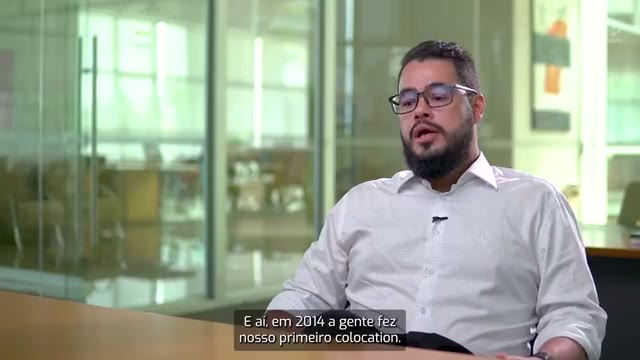
In interview formats, such as TrueChange's video case study about MRS Logística., The priority is to preserve the meaning of each stakeholder's statement. Amendments serve the rhythm, never the content.
If you have a long series coming up, also check out how to record video lessons at scale without losing quality and our video production for courses and e-learning.
Is your expert having trouble with the camera? Talk to us.
You might have a video stuck in the approval process because of speech impediments, or a series of recordings with experts scheduled for the coming months. In either case, send a briefing. In a quick chat, we'll show you what can be salvaged in editing and what needs to be changed on set: Talk to the Silvertake team..
Your expert doesn't need to speak like a radio announcer for the video to work, as long as the editing makes sure the idea comes across completely.
Published on November 18, 2026

Samuel Silva is the co-founder and Creative Director of Silvertake Vídeo, a video production company in Belo Horizonte. He leads a team that combines creativity and technology, delivering over 7,000 videos for more than 100 companies. A graduate in Advertising from PUC Minas, Samuel specializes in marketing, creative automation, and audiovisual production.