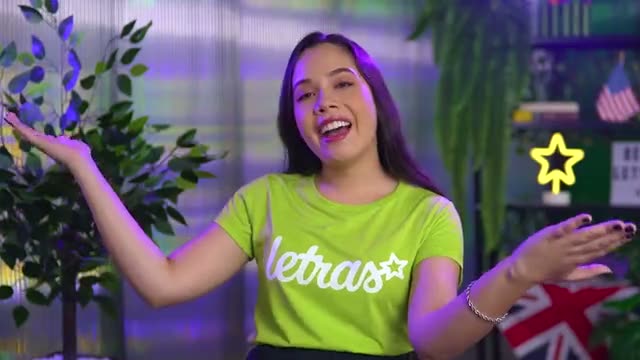

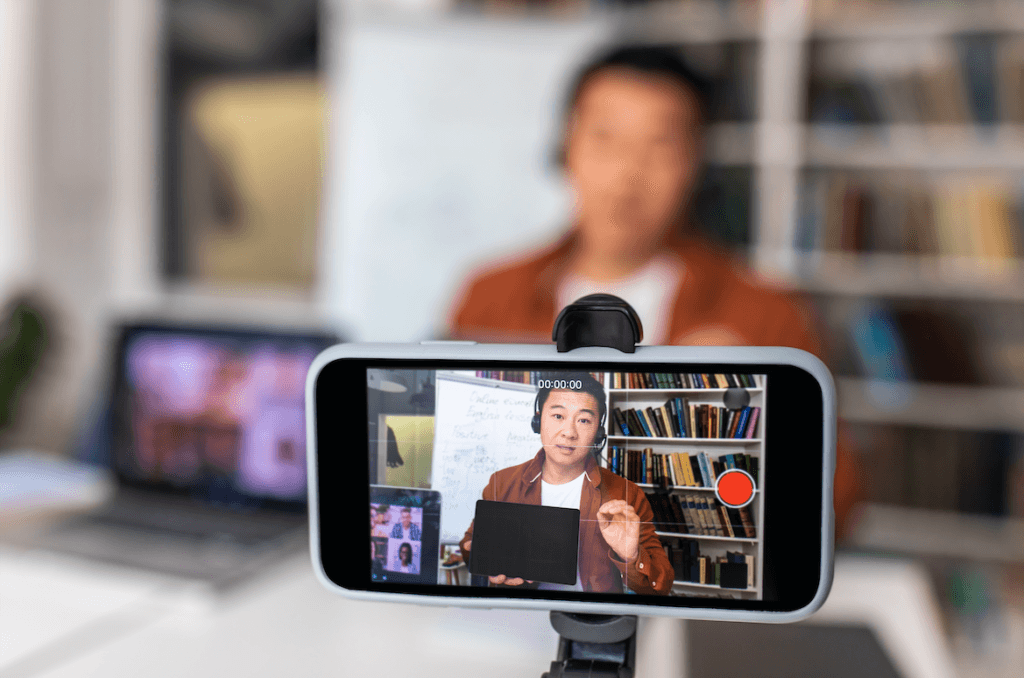
Recording authentic and professional testimonial videos remotely is a powerful strategy for connecting with your audience. With some guidance, the right equipment, and the technological advancements available in 2026, you can create high-quality content using only your smartphone, whether for institutional campaigns or if you're looking to learn. How to record video lessons at scale. without always depending on a studio.
This guide offers detailed tips on wardrobe, set design, lighting, audio, and framing to help you achieve the best results in remote recordings and User-Generated Content (UGC), as well as answering key questions about creating content for modern platforms.
Preparation and Equipment
Before you start recording, make sure your device has a full battery or is plugged into the charger. Do a test run of the audio, framing, and lighting to avoid unnecessary reshoots. If you're recording in 4K, check the available storage on your device. Large files can be a challenge in post-production, so understanding how to use a [software/tool/tool] is important. Proxy workflow in 4K video editing. This is essential to prevent your computer from crashing.
Equipment needed:
- Tripod: To avoid blurry images.
- Lavalier microphone: To ensure quality audio.
- Lighting source: Can be natural or artificial, such as a ring light.
How to make a pro video: Professional filming with a cell phone.
Many people search for how to make professional-looking videos with a cell phone or how to make a video look cinematic. The secret lies in cleaning the camera lens before recording, locking the focus and exposure by touching and holding the screen (preventing the light from changing mid-speech), and using creative techniques. For example, if you want to create a dramatic effect, learn... How to record a slow-motion video (slow motion), a native feature in most modern smartphones and ideal for transition scenes (b-roll).
Costume
Choose clothes that contrast well with the setting and avoid flashy prints. Opt for plain, solid-colored T-shirts. If the video shows you wearing pants or shorts, choose colors that contrast with the background, such as light jeans or colors that complement the color palette of the setting.
Recording Settings
To ensure the video is stable, avoid holding the phone with your hands, depending on the context. Use a tripod or a fixed support for the device. Record with the rear camera and keep the phone horizontal. Disable any beautification modes that may be active in the camera app. Set the recording to Full HD (1080p) or 4K at 30fps.
Suggested Settings:
- Resolution: Full HD (1080p) or 4K.
- Framerate: 30fps.
- Camera: Use the phone's rear and main camera.
How to record vlogs and videos for YouTube using your cell phone.
If your goal is to learn how to make YouTube videos using your cell phone or how to start recording corporate vlogs (behind the scenes of the company, events), the dynamics change a bit. For vlogs, the use of a... gimbal (A motorized stabilizer) or a mini-tripod like a GorillaPod is essential for filming while walking without shaking. Always look at the camera lens, not the screen, and record small blocks of information to facilitate editing. This is the basis of how to record engaging YouTube videos.
Trends and Languages: POV Video and ASMR
Understanding internet language helps diversify B2B content. You've probably wondered... What is POV video?: stands for “Point of View.” It's when you film by placing the viewer in your perspective, an excellent technique for demonstrating the use of software on a cell phone or an industrial assembly line. Regarding ASMR (meaning: Autonomous Sensory Meridian Response), This refers to videos focused on relaxing sound stimuli (such as keyboard clicks or whispers). While niche, focusing on crystal-clear audio capture inspired by ASMR elevates the perceived quality of your corporate video.
Scenario
Choose a neutral background and avoid clutter. A white or solid-colored wall works well. If necessary, add decorative elements that complement the colors of the video. Make sure the background doesn’t distract from the main content.
Lighting
Lighting is crucial to the quality of your video. Choose natural light by facing a window with light curtains. Avoid having windows behind you so that you are not exposed to the light. If you use artificial light, such as a ring light, adjust the intensity to avoid shadows and reflections on your glasses. Use white light for a more natural effect.
Lighting Tips:
- Light source: Natural (window) or artificial (ring light).
- Position: Light in front of you, not behind.
- Adjustment: Avoid very strong or weak light.
Framing and Short Videos
Position the camera so that your gaze is perpendicular to the lens, neither too high nor too low. Center yourself on the screen and leave enough space above your head to avoid being cut off. This rule changes slightly if you are researching how to record reels on Instagram: in these cases, position the phone vertically (9:16) and ensure that your face is in the upper central third, away from the app buttons.
Framing Tips:
- Camera height: At eye level.
- Position: Center yourself on the frame (horizontal) or on the central axis (vertical).
- Space above the head: Leave a little space (headroom).
Audio: Recorders, Interviews and Phone Calls
Record in a quiet environment, closing doors and windows to minimize noise. If there is an echo, use soft objects near the camera, such as curtains or pillows. If you have a lapel microphone, it should be attached to the collar of your shirt with the cord tucked inside your clothing.
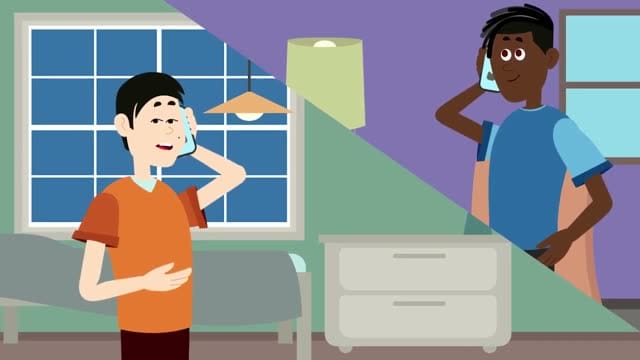
For voice-over recordings, many people ask How to activate the voice recorder on your cell phone.Simply search for the native "Recorder" app (iOS or Android), position the device's bottom microphone about a hand's width from your mouth, and speak normally. And if you need to capture an audio statement remotely, know How to record calls on your cell phone. This can be useful. Although privacy policies restrict native call recording on many modern devices, third-party apps or using two devices (one on speakerphone and the other recording) solve the problem for podcast-style interviews.
Audio Tips:
- Environment: Quiet.
- Microphone: Lapel microphone, collar mount, or recording app for narration.
- Echo elimination: Use fluffy objects.
Additional Resources and Quick Introductions
Knowing how to make the perfect 1-minute presentation video (the famous sales pitch) usually requires a well-rehearsed script. If using a teleprompter, adjust it so that your gaze is natural and avoid excessive eye movements. To delve deeper into this technique, check out our guide on... How to use a teleprompter in corporate video without sounding robotic.. When recording your screen, also enable audio recording to facilitate synchronization.
During Recording
If you make a mistake, don’t start recording from the beginning. Go back to the paragraph before the mistake and continue from there. Keep the recording continuous to make editing easier later. Don’t be afraid to gesture, it makes the video more dynamic and engaging.
Shipping and Finalization
After recording, submit the material according to the instructions provided by the production team. They will review the content and may request reshoots if necessary. Share the finished video on your company's social media or internal platforms to maximize its reach.
Conclusion
With these tips, you'll be ready to create authentic, remote testimonial videos using only your smartphone. Feel free to experiment and adjust each aspect to find what works best for you. If you need professional support or want to scale your B2B brand's audiovisual strategy, contact Silvertake Video for customized production services.
Published on April 18, 2024 · updated on September 8, 2026

Samuel Silva is the co-founder and Creative Director of Silvertake Vídeo, a video production company in Belo Horizonte. He leads a team that combines creativity and technology, delivering over 7,000 videos for more than 100 companies. A graduate in Advertising from PUC Minas, Samuel specializes in marketing, creative automation, and audiovisual production.