
in this article
- Why do video onboarding?
- The three onboarding video formats
- Video or PowerPoint presentation?
- 8 examples of onboarding and integration videos
- What to include in onboarding
- How to make your company's onboarding video
- Common mistakes
- How much does it cost
- Frequently Asked Questions
- The same integration for everyone.
An onboarding video introduces the company, its culture, and its rules to newcomers, in the same way for everyone, in any unit. This guide includes possible formats, 8 real-world examples, and a step-by-step process for creating one for your company.
It serves for the integration of new employees, interns and trainees, for safety rules at the entrance of a factory and for the launch of codes of conduct.
Quick summary:
- The video replaces the repeated presentation for each class and ensures that everyone receives the same information.
- There are three main formats: live contributors, hired presenter, and animation. Each has a different update cost.
- A soundtrack with short videos, one per theme, works better than one long video with everything.
- Safety rules are enhanced by enthusiasm., which shows the environment and the risk without exposing anyone.
- Plan the upgrade from the start: benefits, structure, and personnel change.
Why do video onboarding?
In many companies, onboarding consists of a lecture repeated for each new group of employees, given by the same person. When that person goes on vacation or the company expands to multiple cities, the quality of the onboarding begins to vary.
The video solves this. Every new employee receives the same message, in the correct order, and can refer back to the content whenever they have a question. MILPLAN Engineering He transformed the onboarding talks into ten videos precisely to save time for the presenting team.
In-person meetings remain useful for welcoming people and answering questions. The video format takes care of the repetitive parts.
The three onboarding video formats
| Real contributors | Hired presenter | Animation | |
|---|---|---|---|
| Strong point | authenticity and connection with culture | clarity and consistency | Flexibility and ease of updating. |
| Weak point | Video ages if the person leaves the company. | Fee and usage rights; updating requires a new recording. | less personal connection |
| Best for | history, culture, message from leadership | timeless institutional rules and information | security, processes, systems, benefits |
| Update | re-record the person's section | call the presenter again | change screen, number or voiceover |
Real contributors These videos help newcomers integrate into the company culture. The risk is that the video loses its relevance when someone who appears in it leaves. This can be resolved with image release authorization, but many companies prefer not to keep former employees in the material.
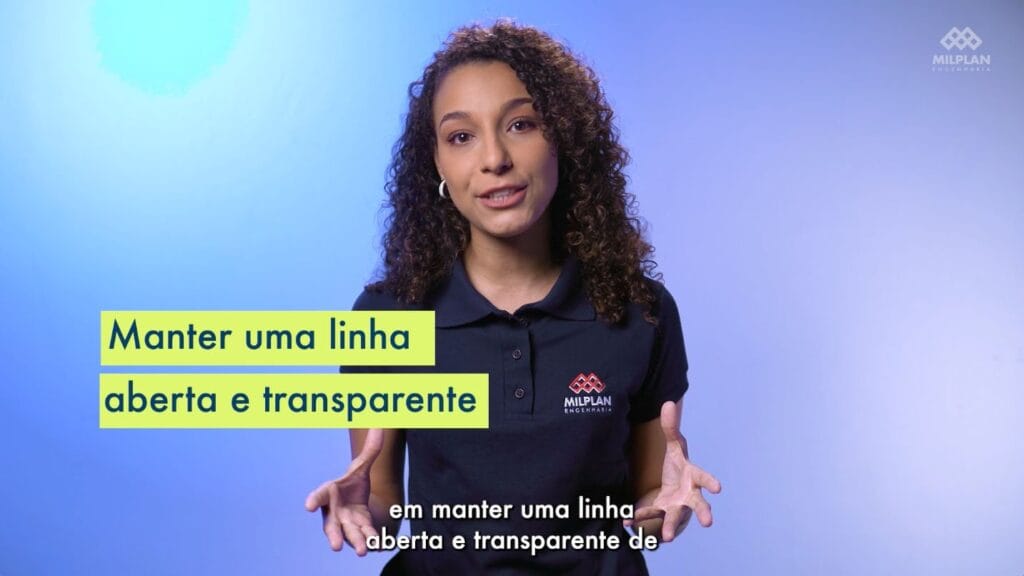
Hired presenter This solves the problem of staff turnover. It was MILPLAN's choice: since the material was institutional and timeless, a professional actress presents the ten videos. The disadvantage appears when it comes time to update, because it requires calling the same person back.
Animation It's the easiest format to maintain. Changing a rule, a benefit, or a system screen only requires an adjustment to the scene and the voiceover.
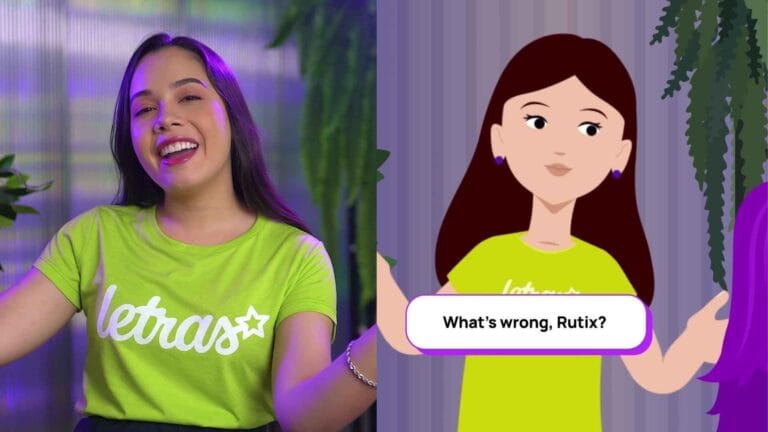
In practice, most training programs combine all three: leadership provides a welcome message via recorded video, a presenter explains the rules, and animation explains processes and safety.
Video or PowerPoint presentation?
PowerPoint presentations depend on the presenter and tend to grow with each revision, eventually becoming an hour of slides. Video, on the other hand, forces you to choose what matters and always delivers the same version.
If the material exists only in slides, it can be the basis of the script. We explain how in... How to transform PDF and PowerPoint presentations into videos..
8 examples of onboarding and integration videos
1. MRS Logistics: Compass onboarding path
Studio-recorded soundtrack with images from the operation. see the case
MRS Logística operates one of the main rail networks in the country. To integrate interns and new employees with the same quality in any unit, the company created a video series about the business, culture, and rail operation.
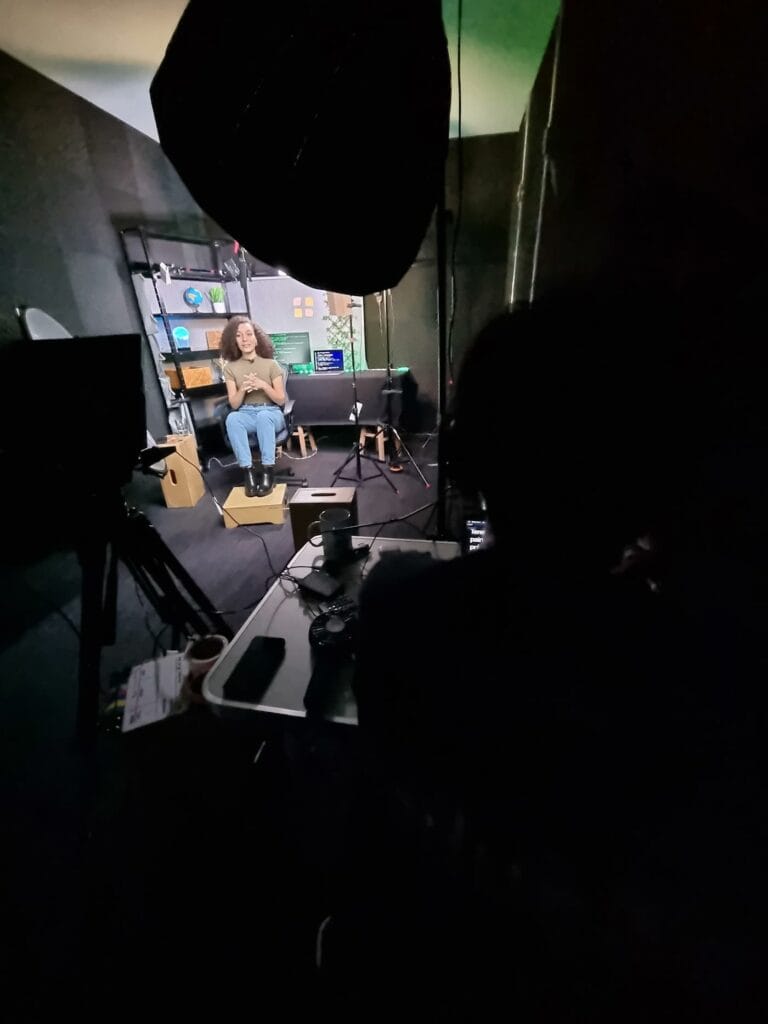
The soundtrack was designed by a learning designer in collaboration with MRS's human development department. The recording took place at the Silvertake studio in Belo Horizonte, using a teleprompter and makeup, and the editing combines the presentation with images of locomotives, terminals, and the Operational Control Center.
What to take advantage of: Approve the visual identity, title cards, and set design before the first day of filming. In a soundtrack with multiple modules, this is what keeps them all looking the same.
2. Clariant: safety rules at the factory entrance
Motion graphics with 3D floor plan · 2:49 · see the case
At the Clariant plant in Belo Horizonte, a video displayed at the entrance presents the site's safety regulations to employees, service providers, and visitors. The motion graphics animation uses a 3D representation of the factory, created after an on-site visit.
What to take advantage of: Showing the rules in a real-world setting helps first-time visitors. They understand where the risks are before entering.
3. MILPLAN Engineering: lectures that became videos
Ten videos with the presenter · see the case
MILPLAN's in-person onboarding presentations were turned into scripts and then into ten videos featuring a professional actress. The set design is simple, with motion graphics incorporating the company's visual identity.
What to take advantage of: For timeless content, a hired presenter avoids reshooting the video when someone on the team leaves.
4. Barbosa Mello Construction Company: safety on construction sites, one topic per video.
3D with motion capture see the case
For the construction site's health, safety, and environmental programs, the company used 3D digital presenters with real-life movements and AI-generated voices. Each video addresses a specific topic: PPE, environment, hazard areas, emergencies.
What to take advantage of: Short videos by topic are easier to display in safety dialogues and to update when a rule changes.
5. SADA Group: Code of Conduct
Motion graphics · 4:39 · see the case
The SADA Group, in the logistics and transportation sector, launched a new code of ethical conduct and wanted all employees to be familiar with the guidelines. The animation made a dense document easier to follow.
What to take advantage of: The code of conduct video is included in onboarding and annual training. A single video serves both purposes.
6. Tecnosulfur: onboarding in four languages
Motion graphics with versions in Portuguese, Brazilian Sign Language (Libras), English, Spanish, and French. see the case
Tecnosulfur's code of ethics, part of the Opta Group, needed to reach its subsidiaries in other countries. The script was adapted for each language, with native speakers, and the illustrations were designed to work in all versions.
What to take advantage of: Companies operating outside of Brazil should plan the versions from the script stage. Animation without text in the illustrations, language switching only with narration and subtitles.
7. Santa Amália: Internal application training
Five videos featuring characters, lip-syncing, and screens. see the case
The trade marketing team at Santa Amália needed to learn how to use the Agile Promoter app. Five short videos, featuring a guide character and screen recordings, demonstrate each function.
What to take advantage of: The systems that the new employee will use on their first day deserve their own short videos, easy to refer to later.
8. Baptist Education Network: protocols for the entire community
Informative video recorded · 2:10 · see the case
Upon returning to in-person classes after the pandemic, the Baptist Network needed to guide students, parents, and staff on the new protocols. The video was recorded quickly, with the production team following safety rules, to be ready before the start of classes.
What to take advantage of: Onboarding is also useful for routine changes. When everyone needs to learn a new rule at the same time, the video reaches everyone on the same day.
What to include in onboarding
A complete learning path typically has these modules, each with one or more short videos:
| Module | Content | Suggested format |
|---|---|---|
| Welcome | message from leadership | short recording |
| The company | history, what it does, clients, where it operates | institutional or animation |
| Culture and values | how it works, what is expected | testimonials from collaborators |
| Structure | areas, leadership, who to turn to | animation |
| Rules and conduct | code of conduct, policies | animation or presenter |
| Security | Workplace regulations, PPE, emergency | animation or 3D |
| Systems and tools | How to use everyday systems | screen recording |
| Benefits and routine | benefits, point, first days | easy-to-update animation |
Modules of three to eight minutes work well. For anything longer, split them up.
How to make your company's onboarding video
- Gather the current material.Slides from the onboarding process, manuals, policies, and frequently asked questions from new employees.
- Define the modules Contact HR, using the table above as a starting point.
- Choose the format for each module., Considering how much it changes over time.
- Write the scripts. in short blocks, using conversational language. See the briefing template.
- Approve the visual identity. before recording or animating.
- Grave and animate, grouping together what is recorded on the same day.
- Publish on the platform training or on the intranet, with subtitles.
- Measure and updateCompletion rate, recurring questions, and outdated sections.
For longer trails, see video learning paths and videos for corporate universities.
Common mistakes
A 40-minute video with everything. No one finishes, and any change requires remaking the entire video.
Benefits and statistics recorded in someone's speech. When the benefit changes, the video becomes incorrect. Put this information into animated cards.
Forget about those who aren't in the office. Field, factory, and store teams watch on their cell phones. Think about subtitles and vertical versions.
Don't listen to the person who just came in. The doubts that arose in the first few weeks reveal what the video didn't explain.
How much does it cost
An animated onboarding video, up to 2 minutes long, costs between R$ 6,000 and R$ 15,000. A track with several modules recorded in a studio follows a package logic: the more modules recorded on the same day, the lower the cost per video. See How much does a video cost? and the annual video budget.
Frequently Asked Questions
What is the ideal length for an onboarding video?
Three to eight minutes per module. The entire learning path can be an hour long, provided it's divided into short videos that the person watches over the first few days.
What should be done if the employee who appears in the video leaves the company?
With permission to use the image, the video can continue to be used. Many companies prefer to re-record the segment or use a presenter hired from the beginning for timeless modules.
Does onboarding video replace in-person onboarding?
Replace the repetitive part. The in-person meeting remains useful for welcoming and introducing people, and answering questions.
Where should I host the onboarding videos?
Whether it's on the company's training platform, the intranet, or a private video channel, the important thing is that HR can see who watched it.
How often should I update?
Review once a year and whenever you change benefits, structure, or safety rules. Animated modules are the easiest to update.
The same integration for everyone.
In all eight examples, the video ensures that everyone receives the same information, regardless of the city or class. With short modules and the right format for each topic, the learning path remains useful for years with minor updates.
If you want to transform your company's onboarding into video, send the material that exists today And we'll plan the trail with you.
Published on April 29, 2024 · updated on September 29, 2026

Samuel Silva is the co-founder and Creative Director of Silvertake Vídeo, a video production company in Belo Horizonte. He leads a team that combines creativity and technology, delivering over 7,000 videos for more than 100 companies. A graduate in Advertising from PUC Minas, Samuel specializes in marketing, creative automation, and audiovisual production.